Skip to content

What Does Your Home Screen Say About You?

8 questions3 minutes

Description

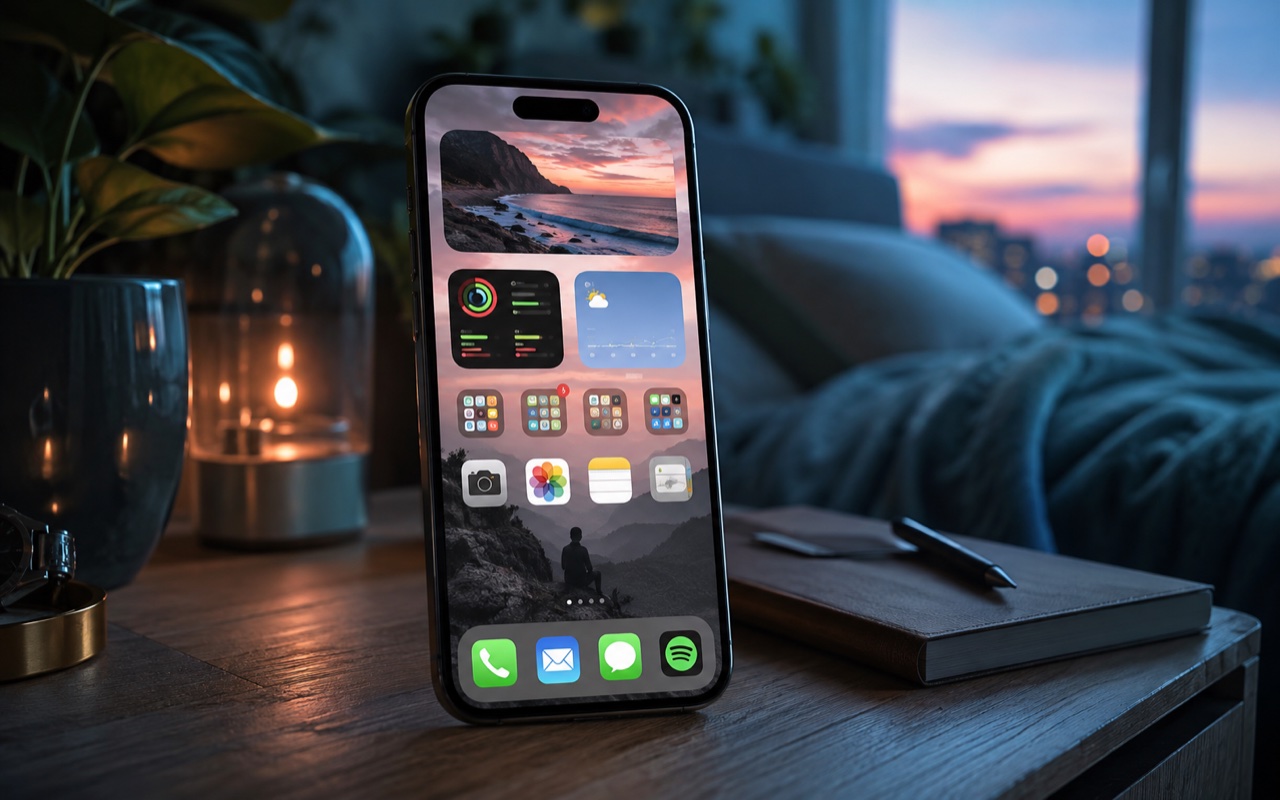
Your dock, widgets, wallpaper, badges, and app folders say more about your daily rhythm than you think.

Author
QuizQuip Editorial
Published
06/03/2026
Estimated Time
3 minutes
Quiz Language
English

Your result is the point

What you get after finishing

This quiz is built for a result card you can send, compare, and argue about in the group chat.

A named result, a quick read on what it says about you, and a link made for a friend to try next.

Send this to a friend
Social network hub7 destinations
WhatsAppInstagramXThreadsFacebook

The questions

All 8 questions. There are no right or wrong answers, so pick what sounds most like you.

  1. When you unlock your phone, what do you want the first screen to do?

    • Put the apps I use all day within one tap.
    • Keep things grouped so it does not feel messy.
    • Look good with the wallpaper and widgets.
    • Show what I have been using today.
  2. You suddenly need an app you have not opened in weeks. What happens?

    • I know roughly where it is.
    • I check the folder it should belong to.
    • I remember the icon before the name.
    • I search for it and move on.
  3. What matters most when you change your wallpaper?

    • Icons still need to be easy to read.
    • It should not make the layout feel chaotic.
    • The first glance should feel right.
    • If I like it this week, that is enough.
  4. Widgets are mostly there to...

    • Show weather, calendar, reminders, or something useful.
    • Give information a tidy place to live.
    • Make the screen feel more like mine.
    • Help for now, then maybe disappear later.
  5. A row of notification badges appears. You are most likely to...

    • Open only the ones that actually matter.
    • Clear them in one cleanup pass later.
    • Turn off the loud ones so the screen looks calmer.
    • Deal with whichever one pulls me in first.
Show the other 3 questions
  1. A friend sees your home screen. What do they notice first?

    • The useful apps are exactly where they should be.
    • There are more folders than they expected.
    • The whole screen has a clear vibe.
    • There is a lot going on, but I know where things are.
  2. What belongs in your dock or bottom row?

    • Messages, camera, maps, wallet, or whatever I use constantly.
    • As little as possible; the rest can live in folders.
    • Apps that fit the look of the screen.
    • Whatever I have been using most lately.
  3. Tomorrow is a packed day out. What do you do with your phone setup?

    • Put maps, tickets, wallet, and notes in easy reach.
    • Group the day-specific apps together.
    • Switch to a calmer wallpaper or widget setup.
    • Leave it. I will search or adjust when I need to.

All possible results

Your answers lead to one of these 4 results.

One-Tap OperatorYou want the important stuff right where your thumb lands.
Your home screen works like a small control panel. Maps, wallet, calendar, notes, messages, camera: if you use it often, it deserves a clean spot. You are not trying to impress anyone; you just hate wasting taps. The catch is that your screen can become all function and no small delight.
Folder LibrarianYou can handle a lot of apps as long as they have a shelf.
Your phone makes more sense when things have places. Tools with tools, shopping with shopping, entertainment with entertainment, old apps out of sight. You like reducing clutter without pretending you only need six apps. The catch is that a very tidy system can hide things even from you.
Mood CuratorYour phone should look like a place you want to enter.
Wallpaper, widgets, icon tint, spacing, a photo, a quote, a weather block: you notice the feeling of the screen before the utility of it. You are good at making a tiny daily surface feel like yours. The catch is that the prettiest layout can sometimes make useful things one swipe too far away.
On-the-Fly SwitcherYour home screen follows whatever today is asking from you.
Your phone is less of a fixed layout and more of a live workspace. If you are running errands, maps matter. If the group chat is busy, messages matter. If something comes up, search, delivery, notes, or tickets move to the front of your attention. The catch is that badges and recent needs can pull you around too easily.

How this quiz works

Every answer adds weight to one or more results. When you finish, you see the result your answers point to most, with its full description, and you can compare it with friends.

For entertainment and self-reflection only. This quiz is not a psychological, medical or career assessment.

About this quiz

Published by QuizQuip Editorial. Last updated 09/14/2026.

Comments